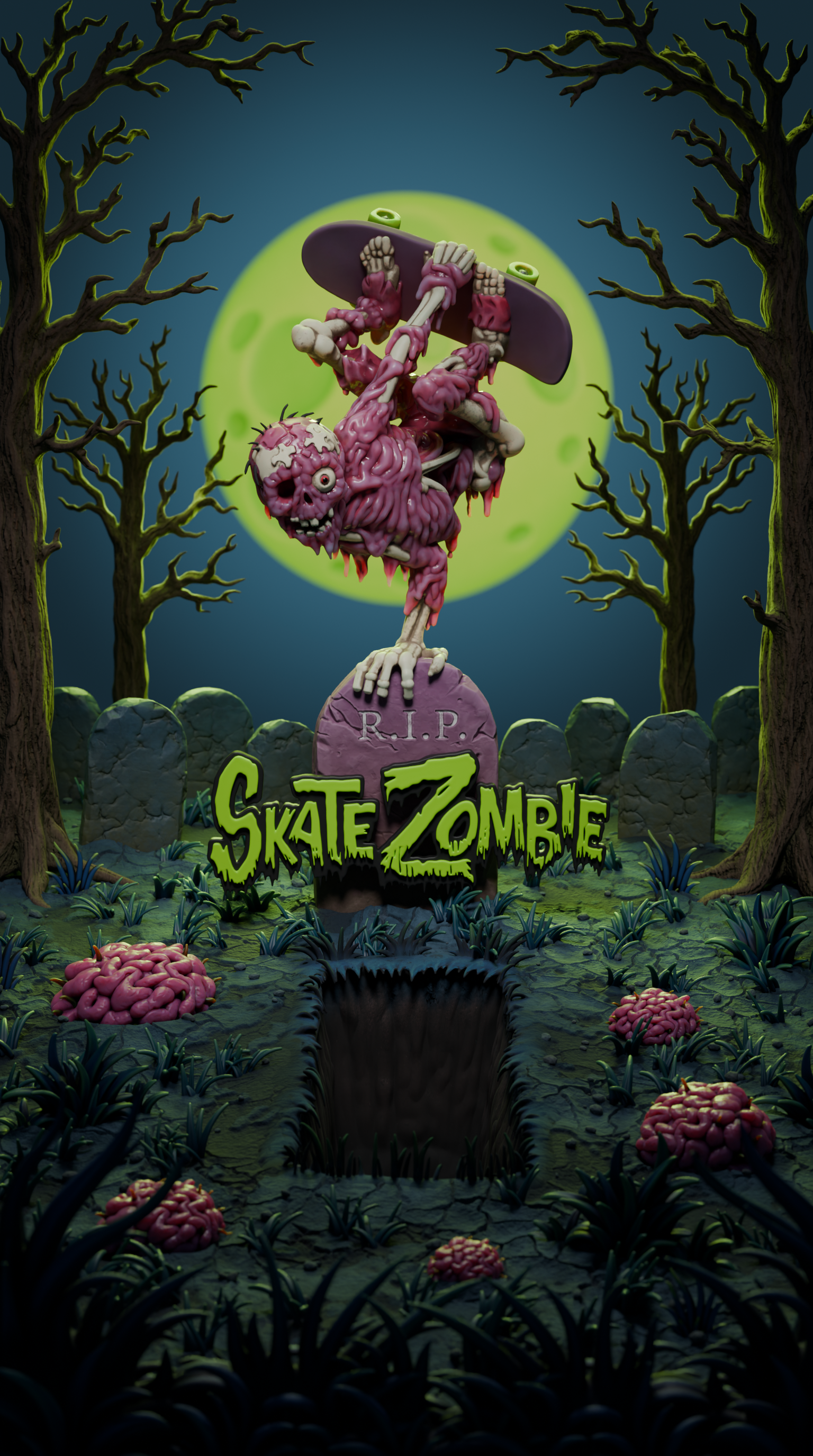
Skate Zombie : Revisiting a Childhood Memory in 3D
A familiar skateboard graphic, a new medium, and the work of making it my own image.
01Backstory
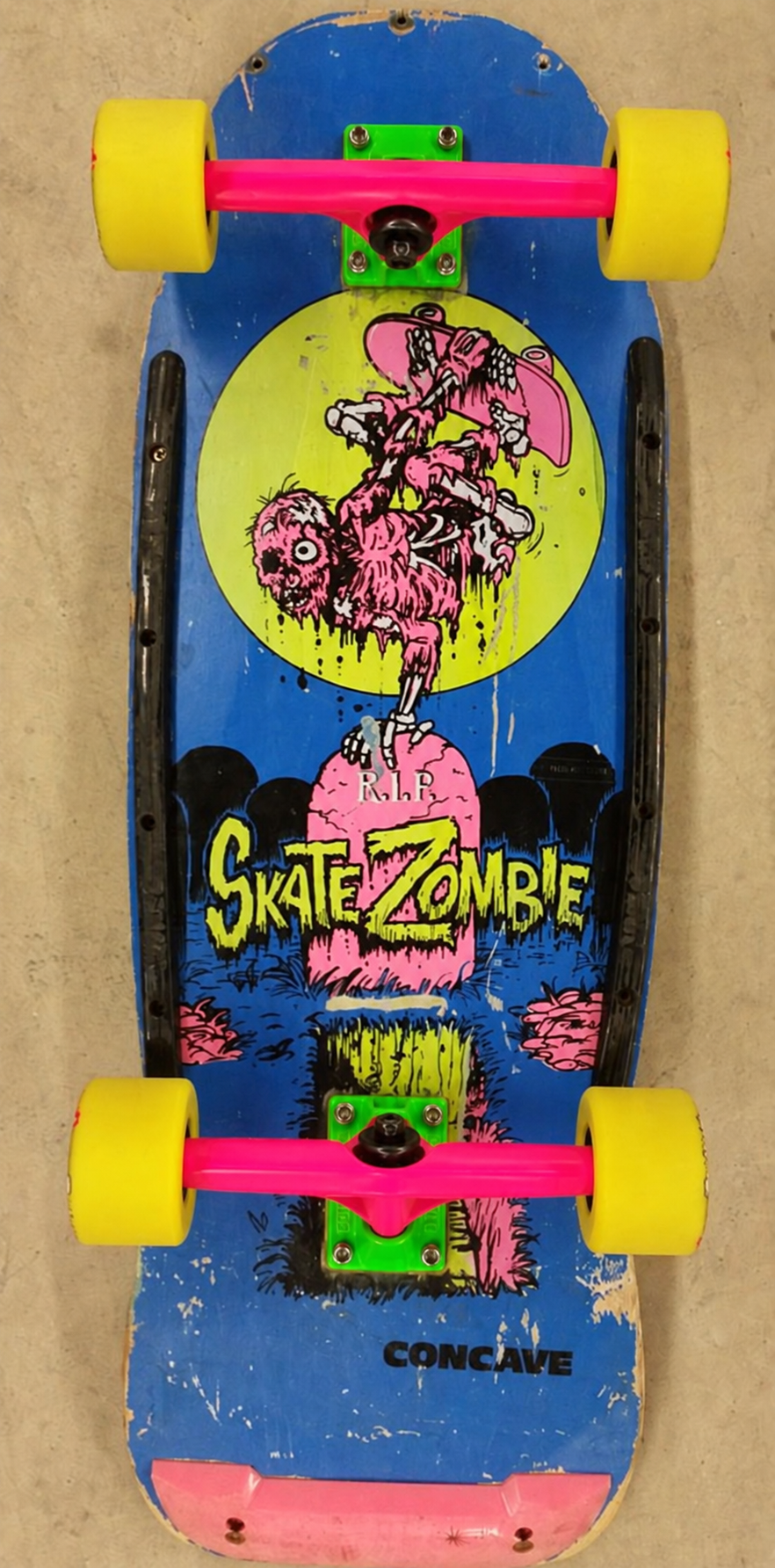
Growing up as a young boy in the 80’s There were a much more limited range of things to do for fun. One of those things was skateboarding. I still remember my first board vividly. It was a Valterra Skate Zombie board. I remember putting all the accessories on it to make it cool. But that Skate Zombie graphic was somehow imprinted into my brain as a kid. I think I even used to do drawings of it in my school books.
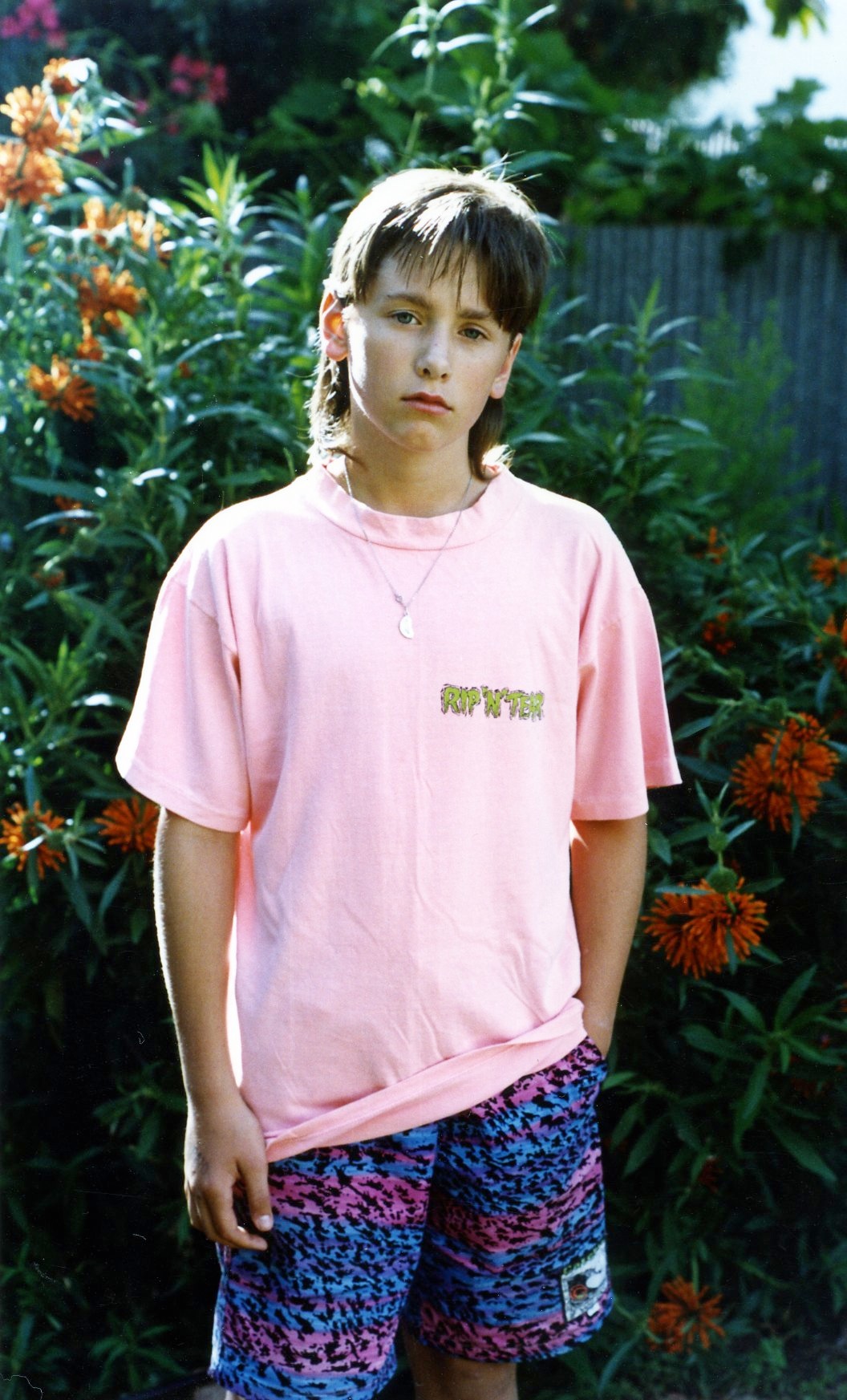
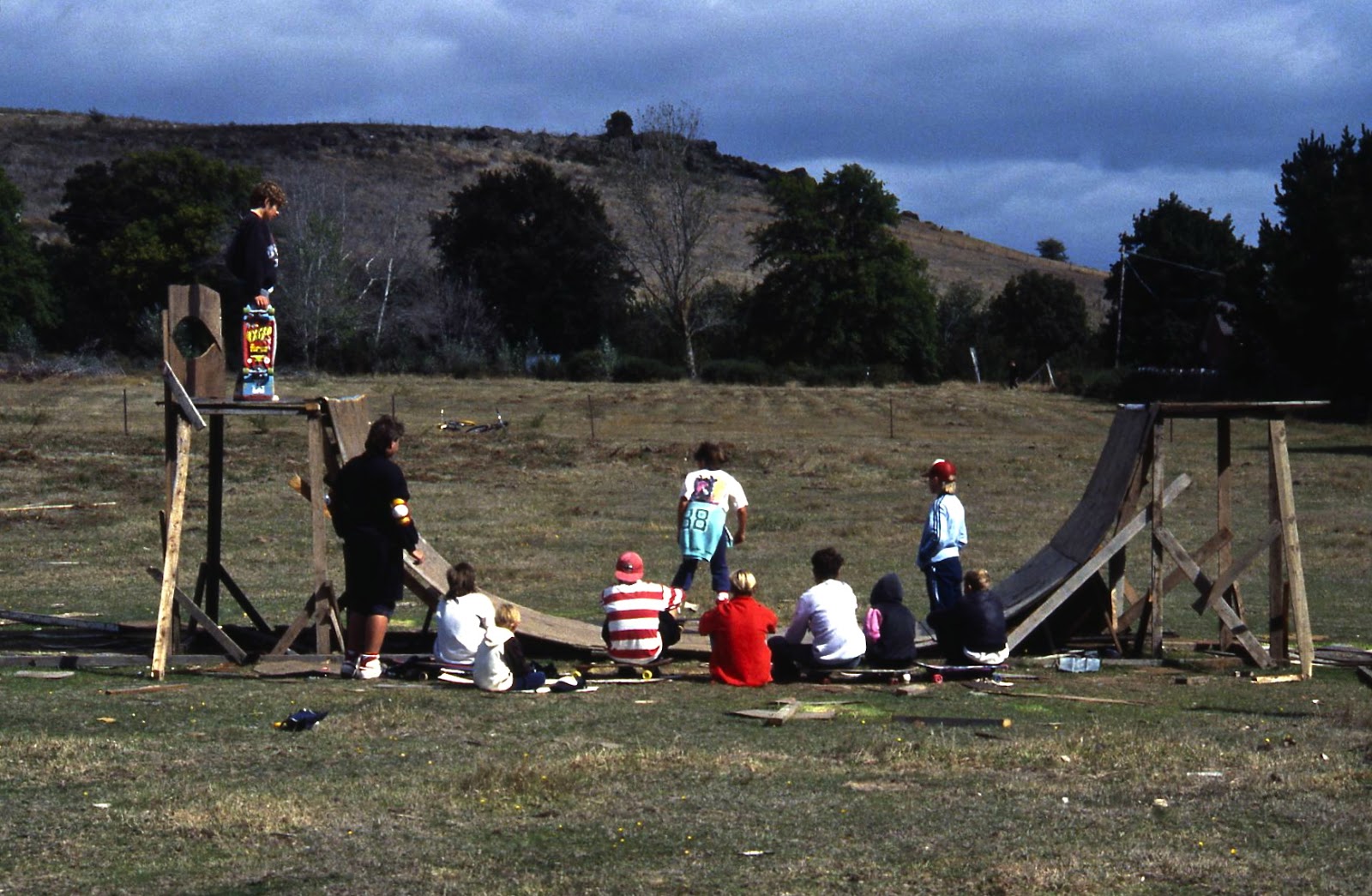
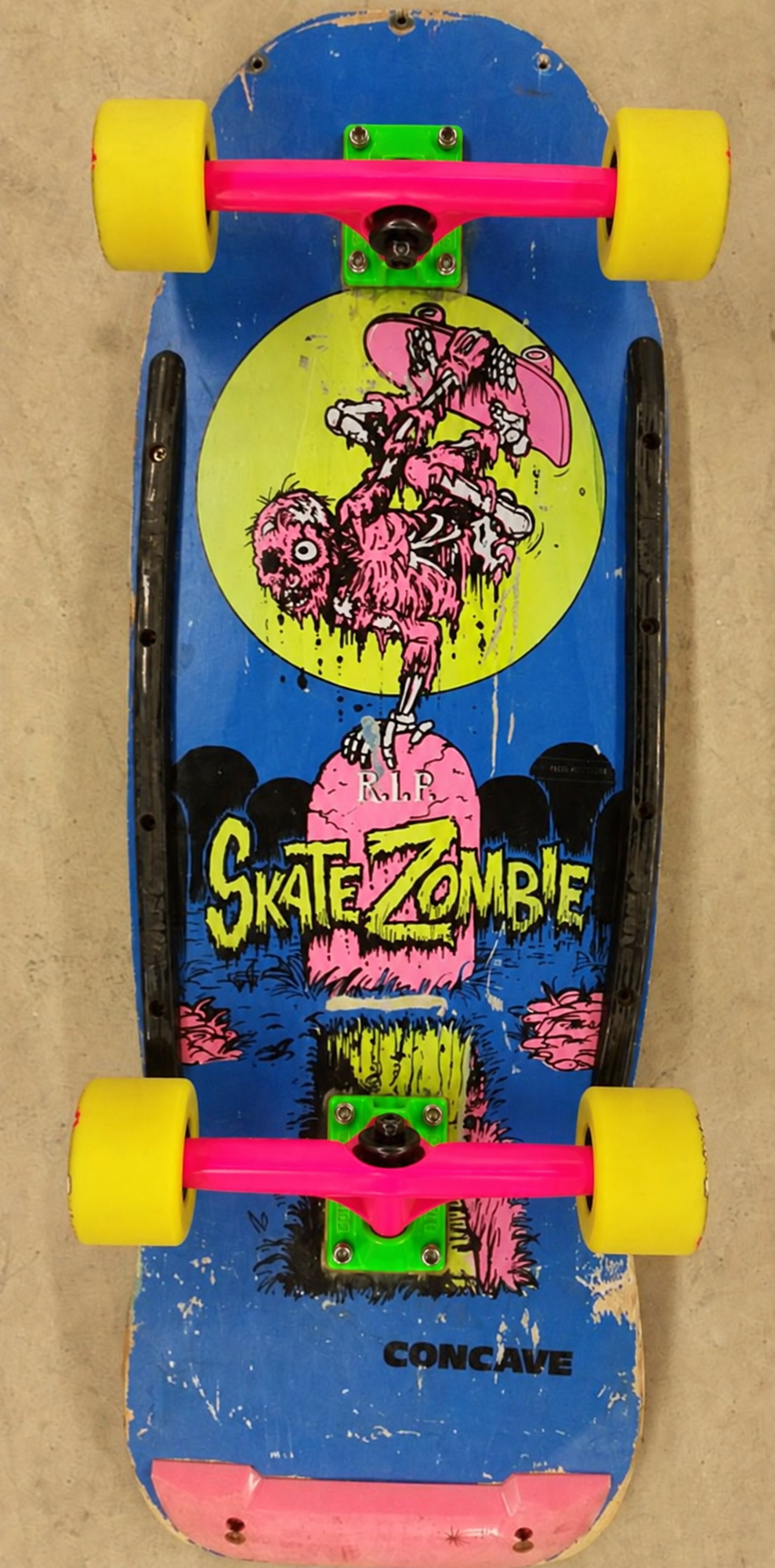
Original artwork: Steve Nazar created the Skate Zombie graphic. He was also known for his T&C Surf Designs characters in the 1980s. Sadly, he passed away in 2025.
I recently came across the board in my pinterest feed. Seeing it again made me curious about how that graphic would translate into 3D. What started as an image gen experiment became a much longer project. I wanted to find out what I could get from AI generated 3D assets, how they compared with things I’d made by hand in 3D, and what I would need to change to make an image I was happy with.
02Image Preparation
My first step was to prep the image as best I could for the image to 3D gen to give me results that were actually useful. I started out using Nano Banana to convert it to a vector graphic that extended beyond the board. From there I asked it to make it look like a stylised 3D render.
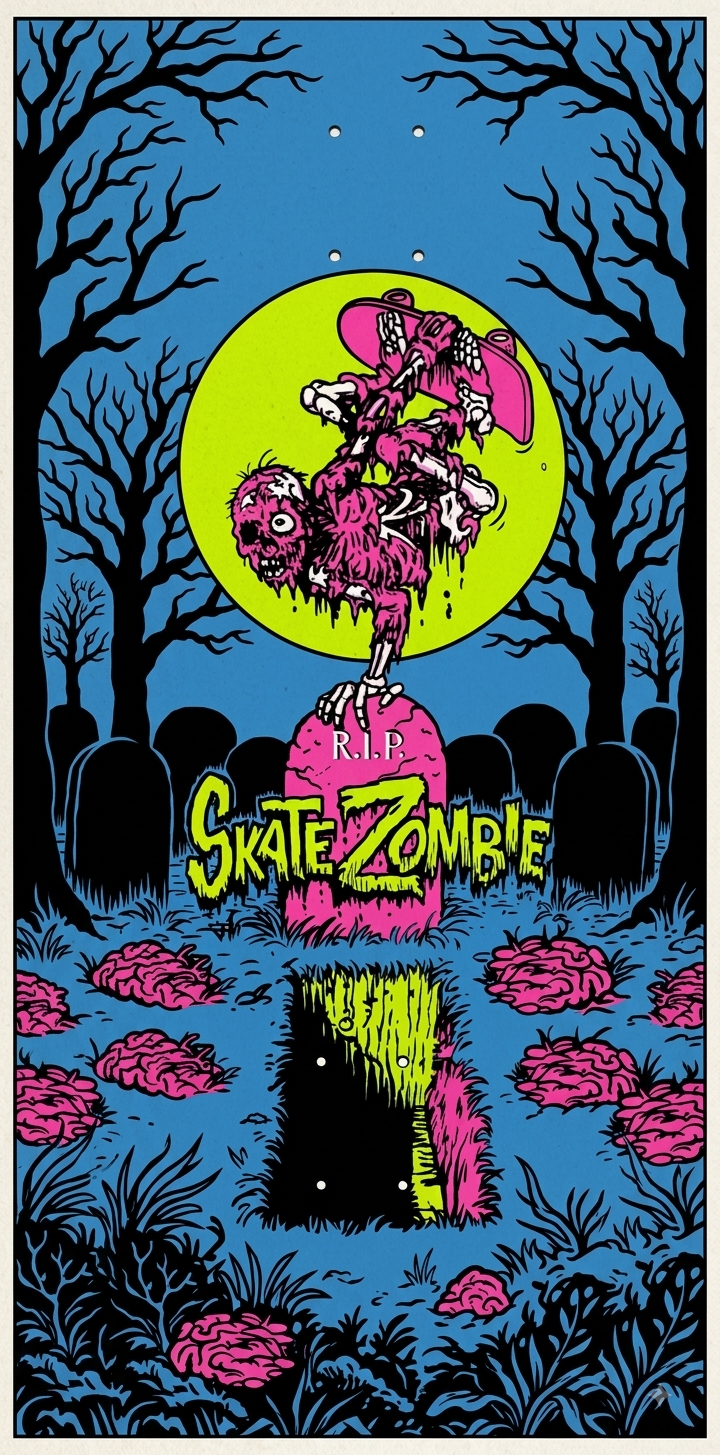
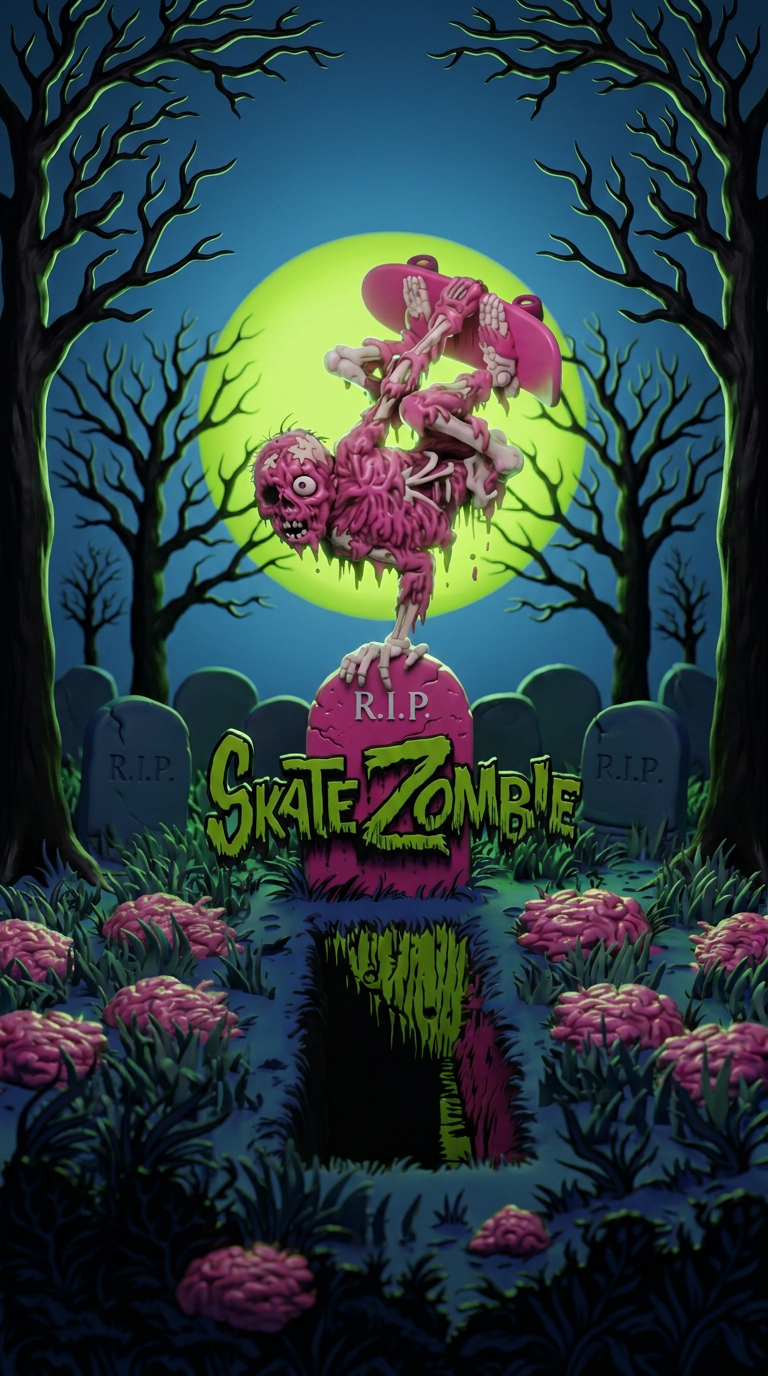
The generated images helped establish a direction. Building a scene from them gave me control over the shapes, materials, lighting, and camera that would determine the result.
03Image Extraction
At this point I had enough inspiration to imagine this working in 3D. The trick with 3D model generation tools is that they work better if you extract the parts from the scene into separate images first. Then feed those images into the software for individual asset creation. It takes longer and there is a scene assembly step but it gets the best results.
One scene. Separate image references.
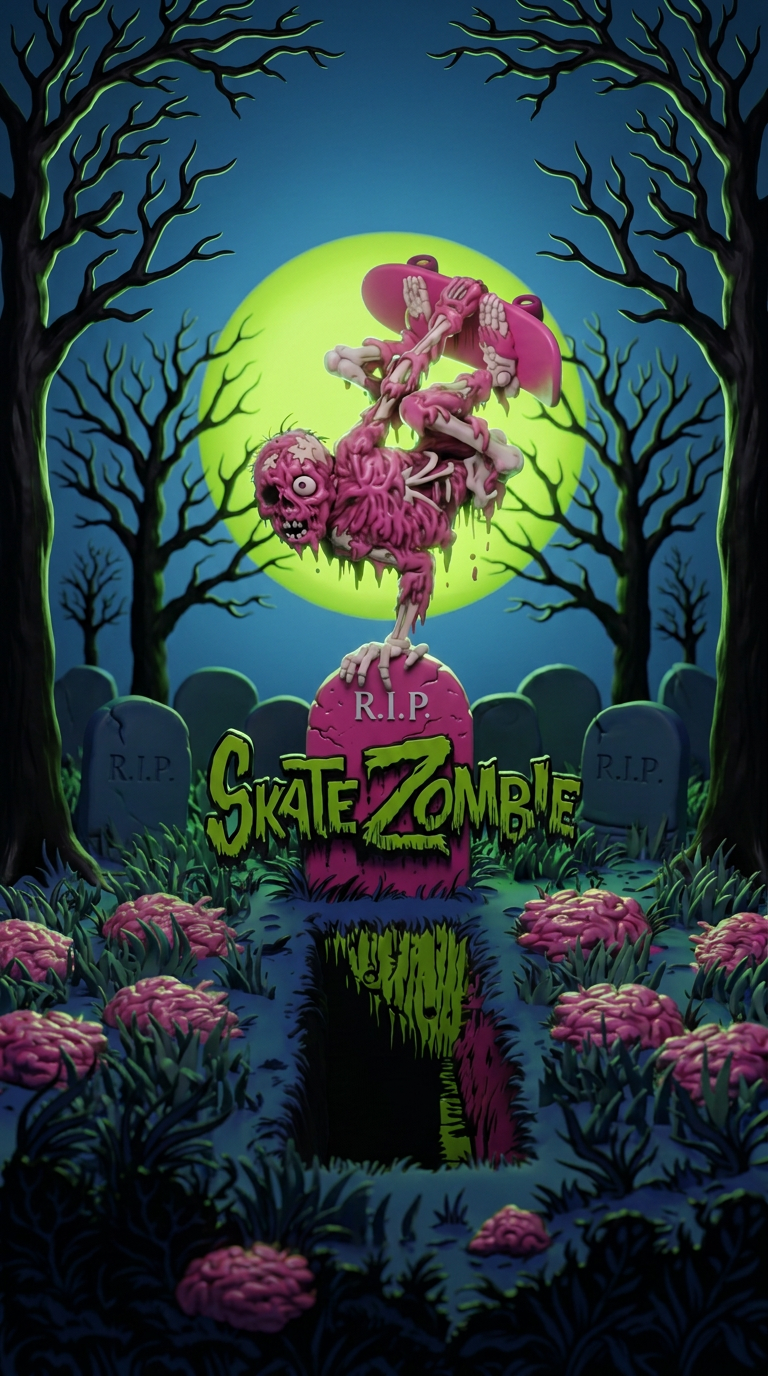
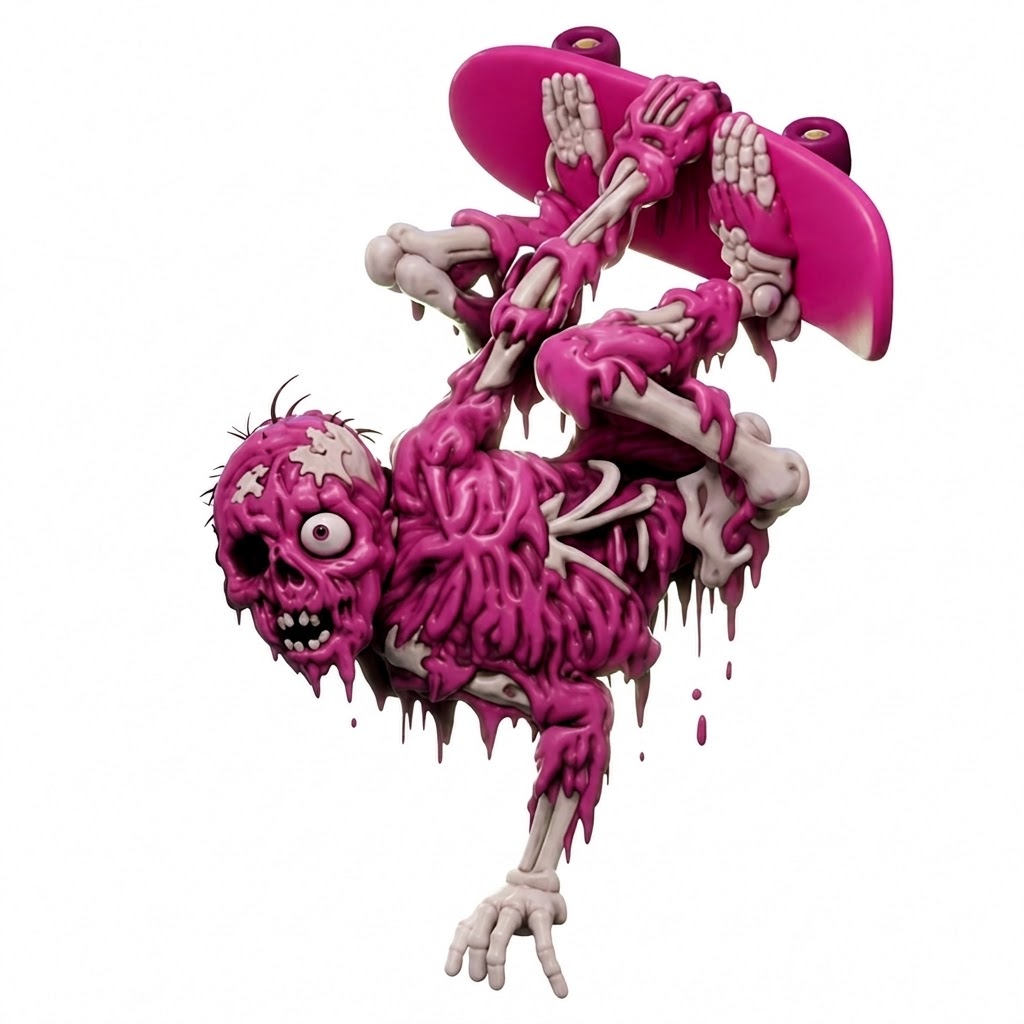
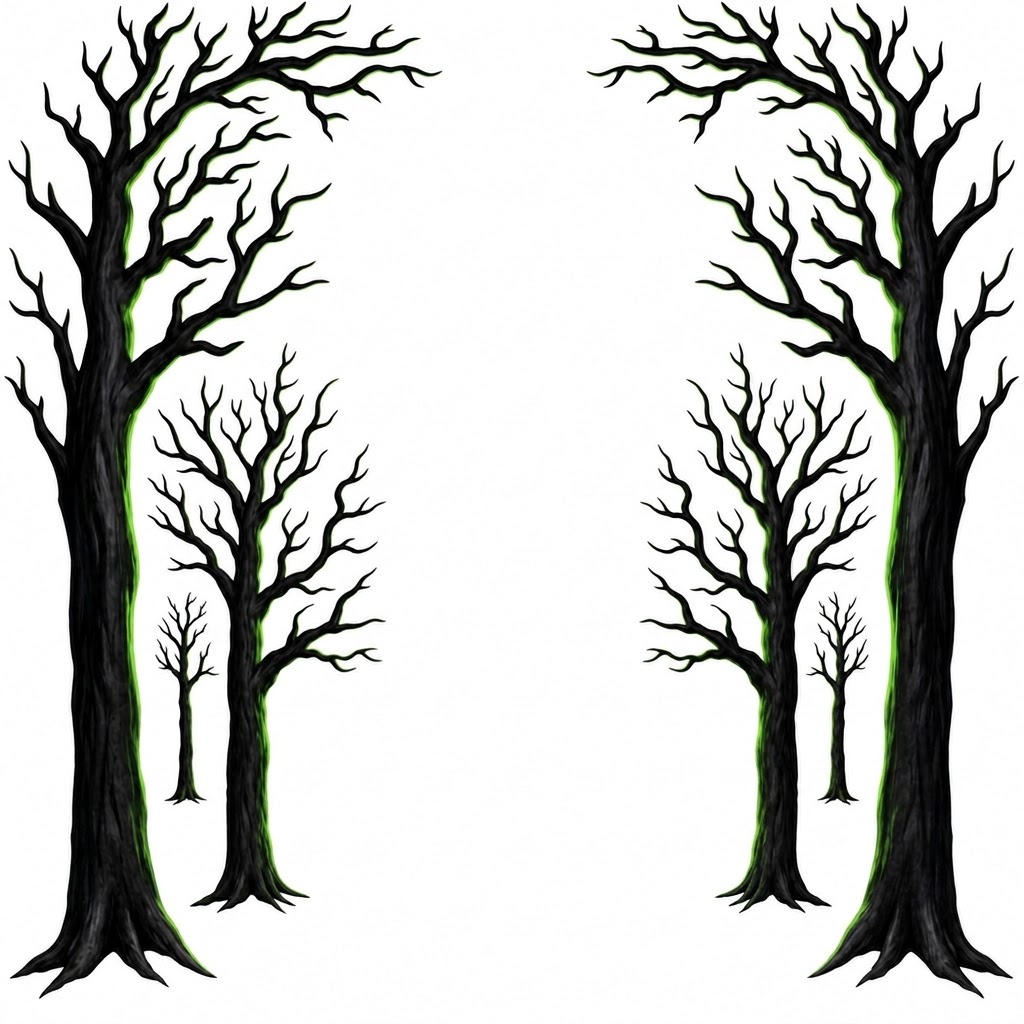
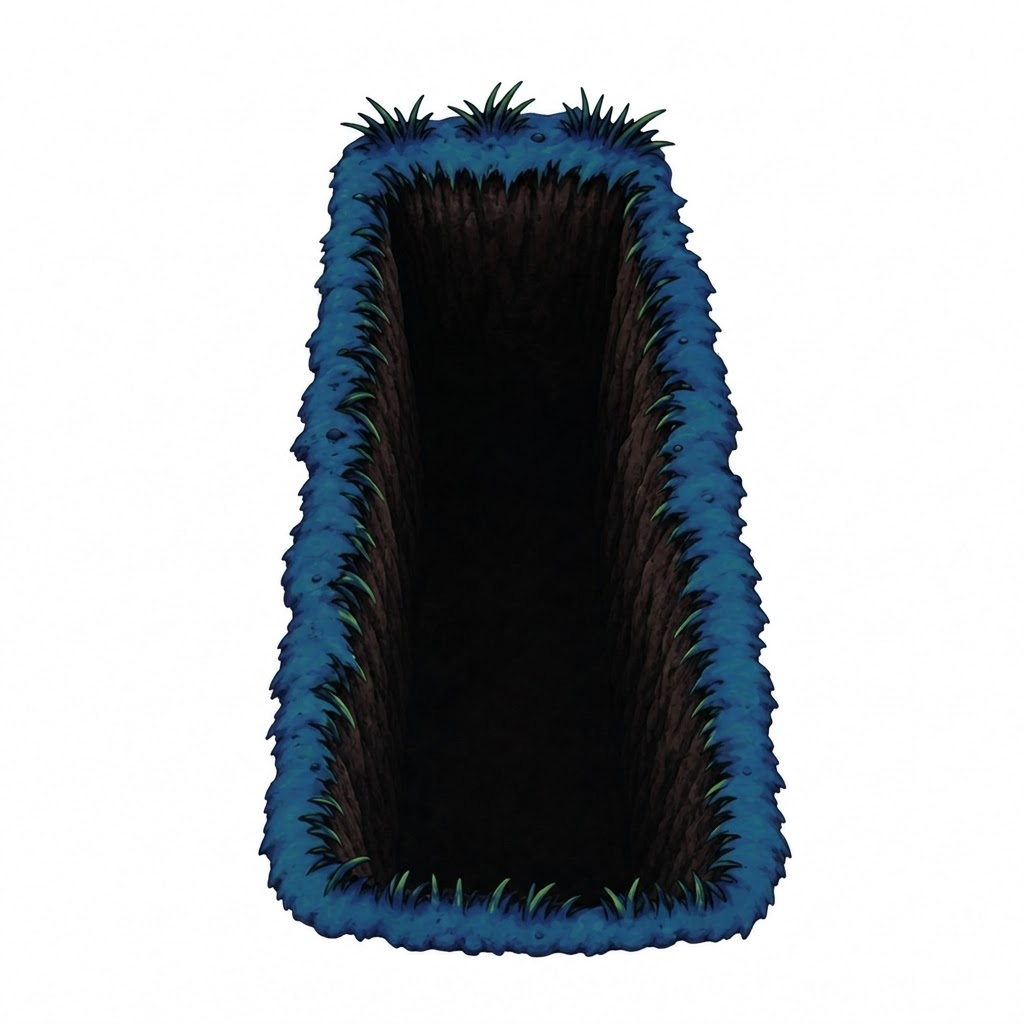

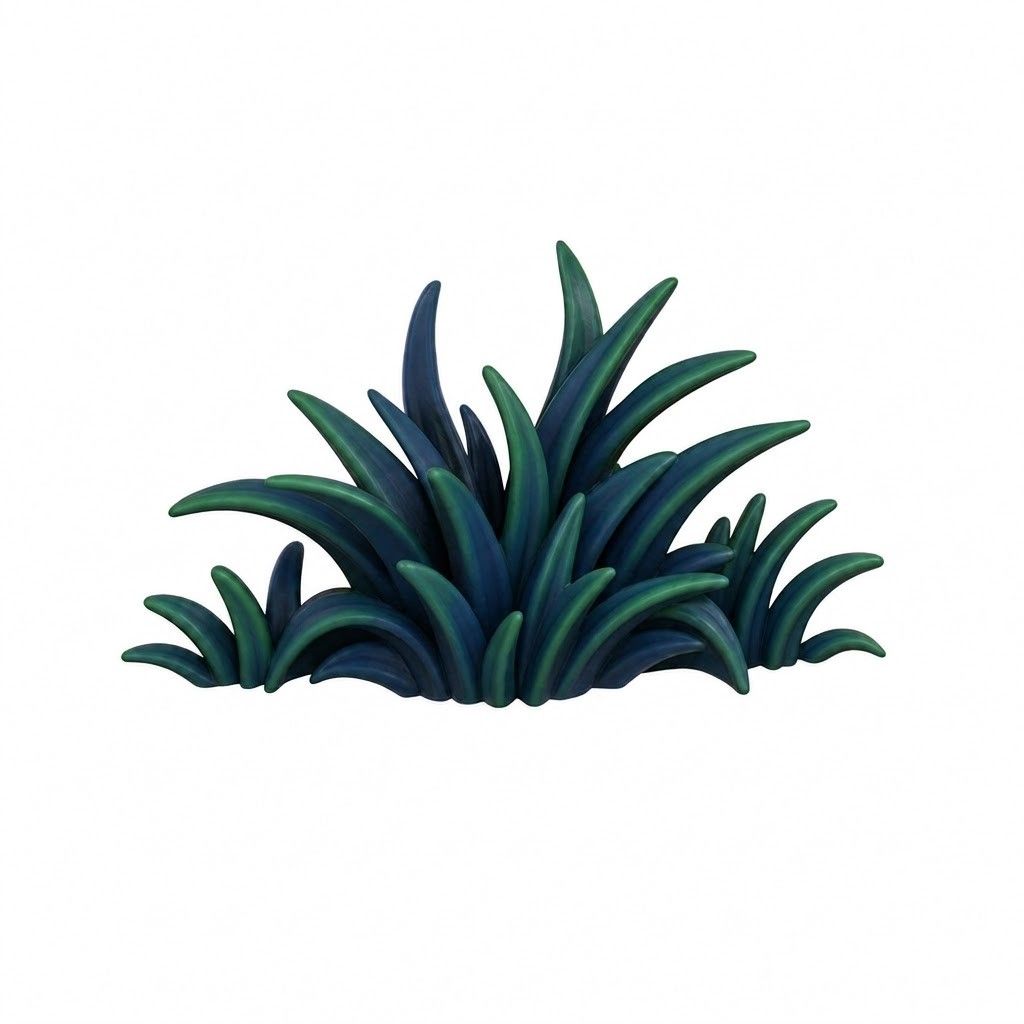
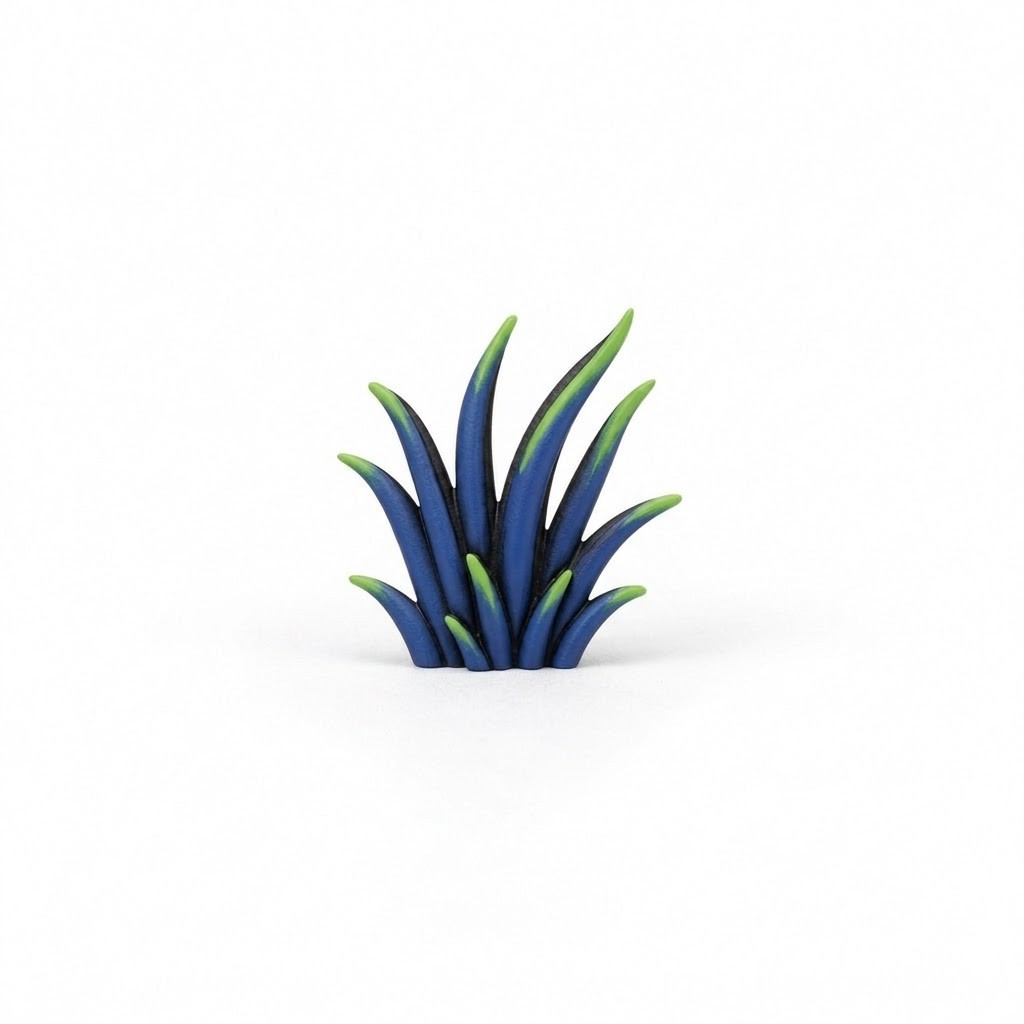
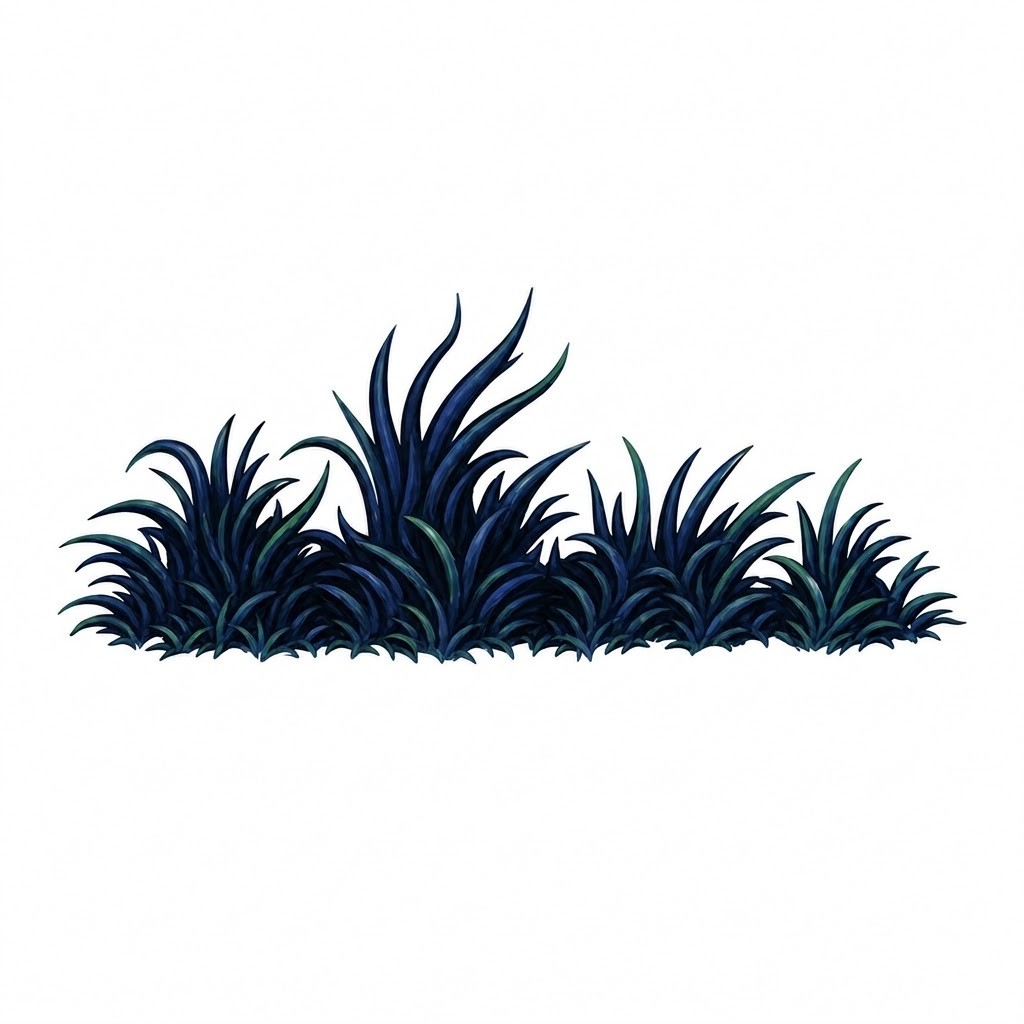

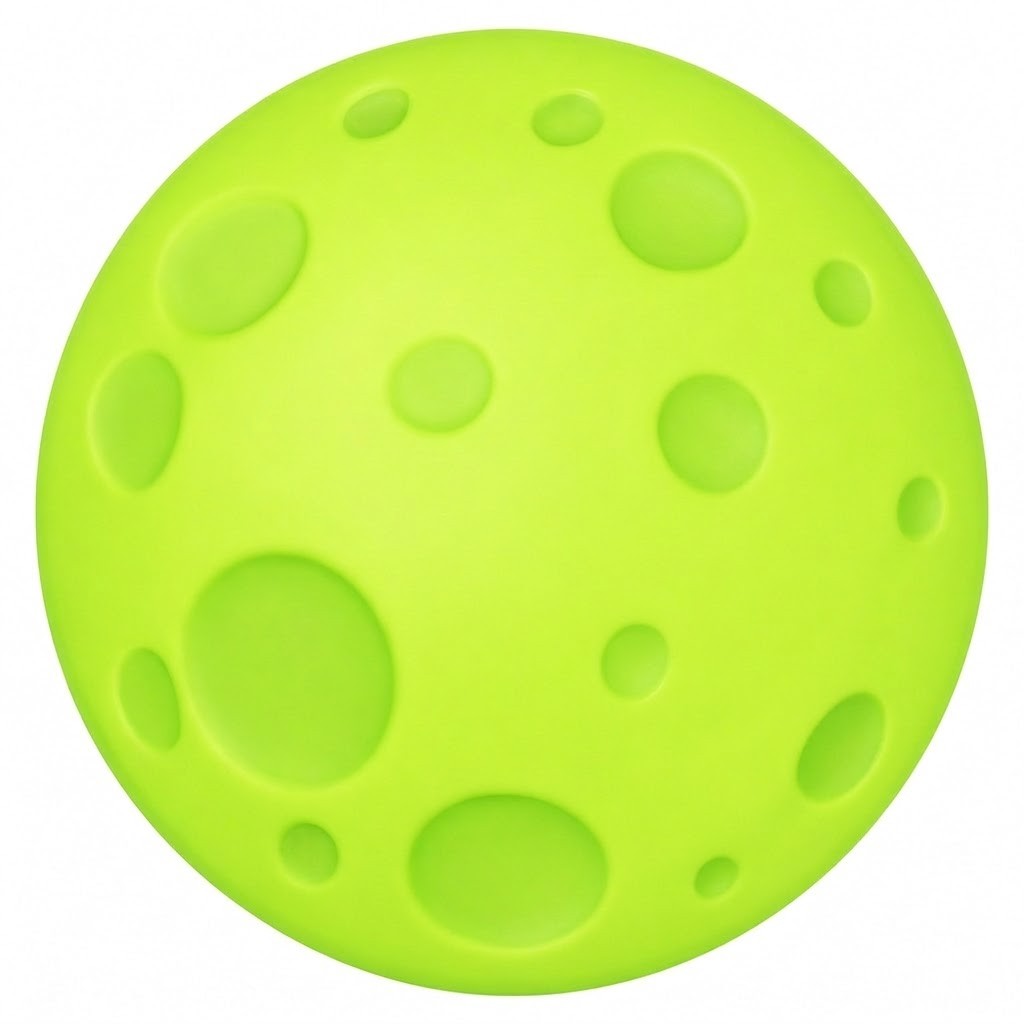
Images prepared for individual asset generation, before assembling the 3D scene. Click any image to inspect it at full size.
04From Images to Assets
I used Prism from 3D AI Studio and Tripo for most of the asset generation. For my tests at the time, it gave me the best combination of quality and speed. I liked the node layout in 3D AI Studio and having access several trained models available in one place.
The viewer below lets you inspect the supplied generated exports before my later scene revisions. Rotate a model to look beyond its original front view, examine its geometry and wireframe, or view the colour texture without lighting.
05Refining the Assets
Some results were usable straight from generation. I decided to keep the grass and brain models untouched. However, I made a small tweak to the grave asset by smoothing out some bubbles in the model. All the other assets needed a sculpt pass, UV work, and new texturing before they reached the standard I wanted. Those went through ZBrush and Substance Painter, then back into Blender. The amount of work varied by asset, and deciding what was worth cleaning up was part of the challenge.
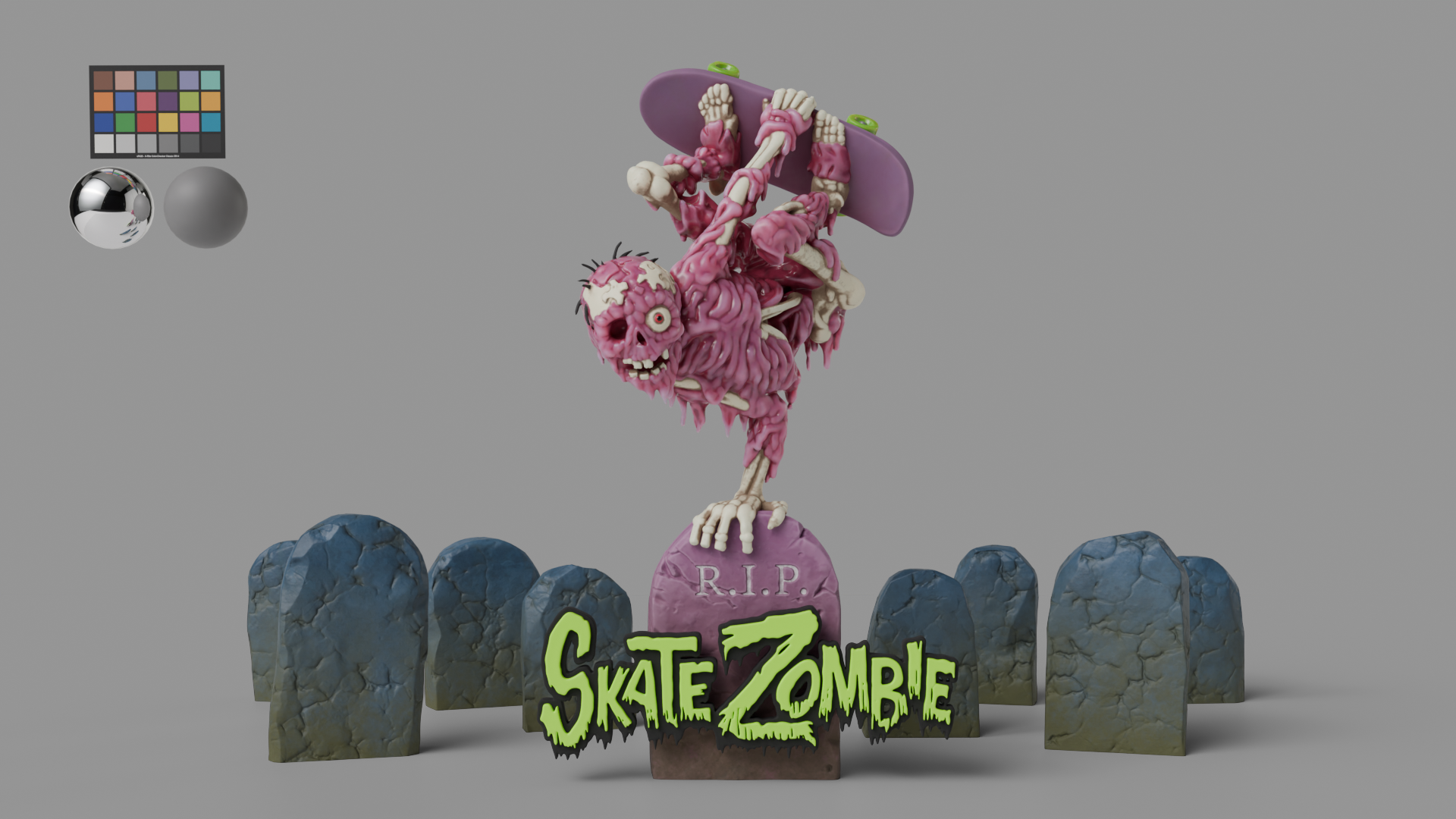
After revising the model and texturing it in Painter, I exported user ID maps alongside the textures. Those let me control the deck, wheels, bones, and flesh separately in Blender’s shading network. I could tune the colours and adjust the subsurface amount on the flesh independently of the bones, judging the materials within the scene. The headstones went through sculpting, UV work, and texturing too.
The original trees looked fine from the front, but were almost flat from the side. I used ZBrush’s Anchor brushes to repose the branches and give them volume, ending up with four separate trees so the lighting could fall differently across each one.
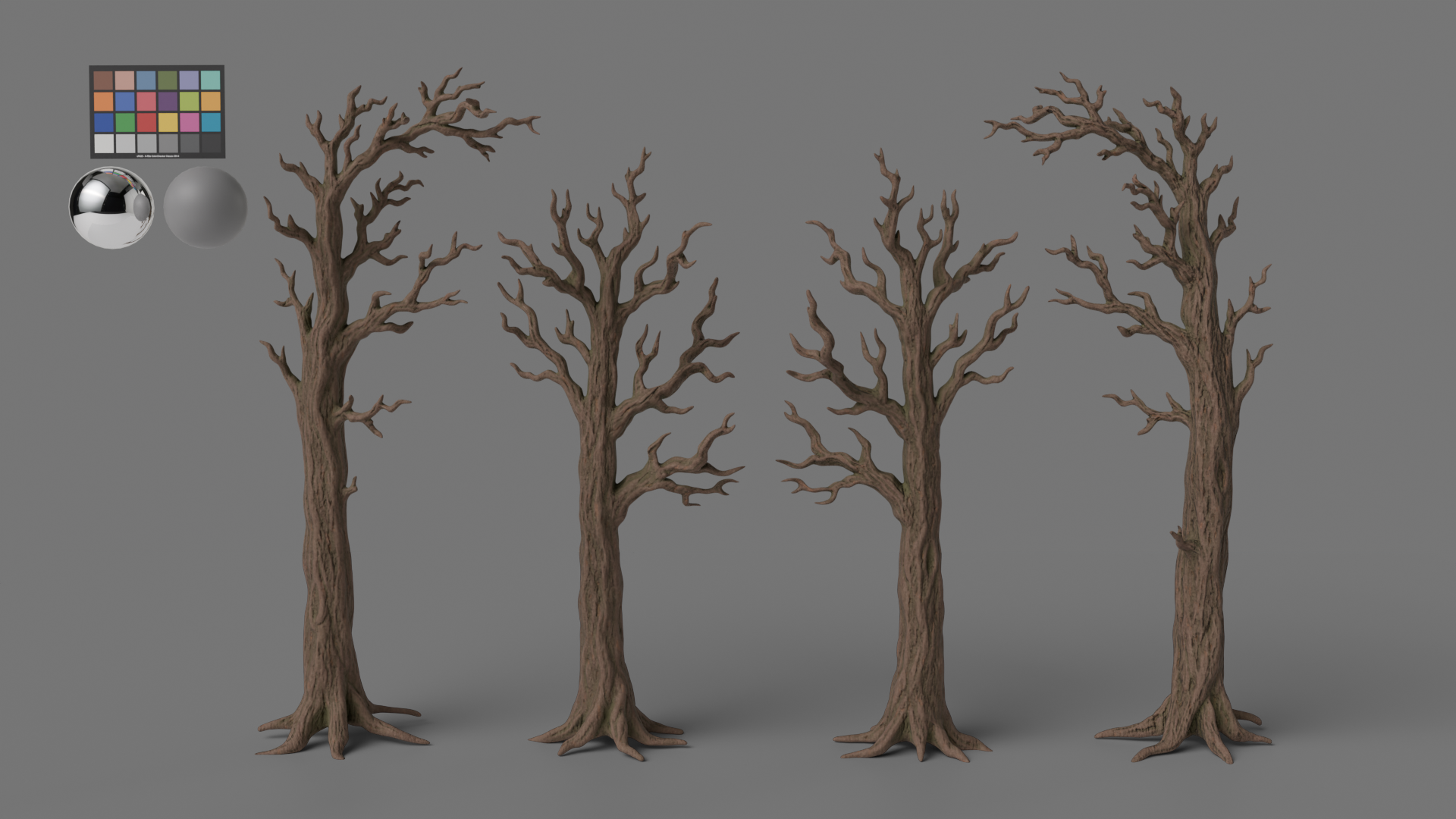
I also sculpted the broader bark flow along the branches. That relief helped generate masks in Painter, breaking up the global direction of the procedural triplanar bark pattern while retaining its finer detail.
06Building the Ground
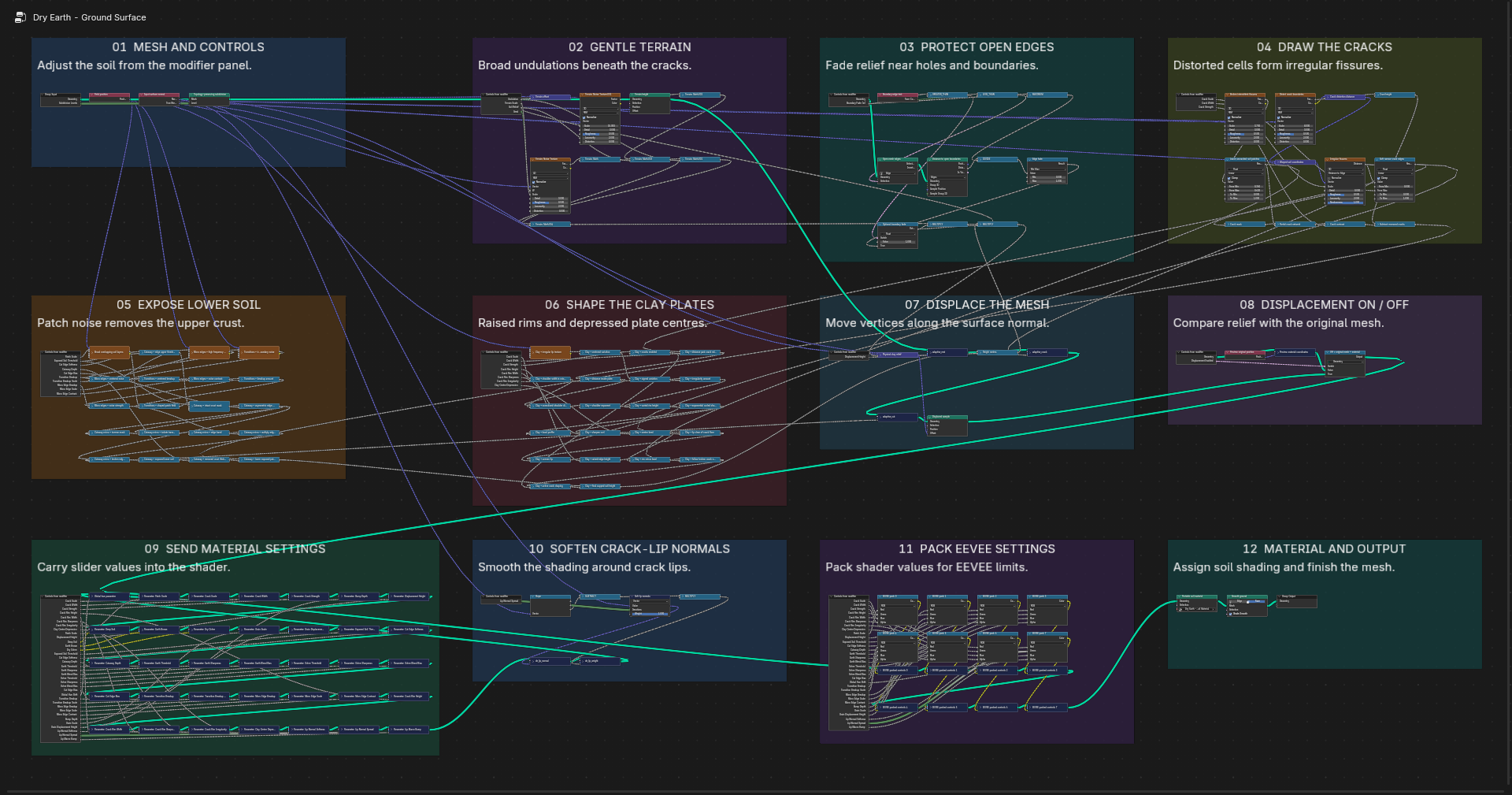
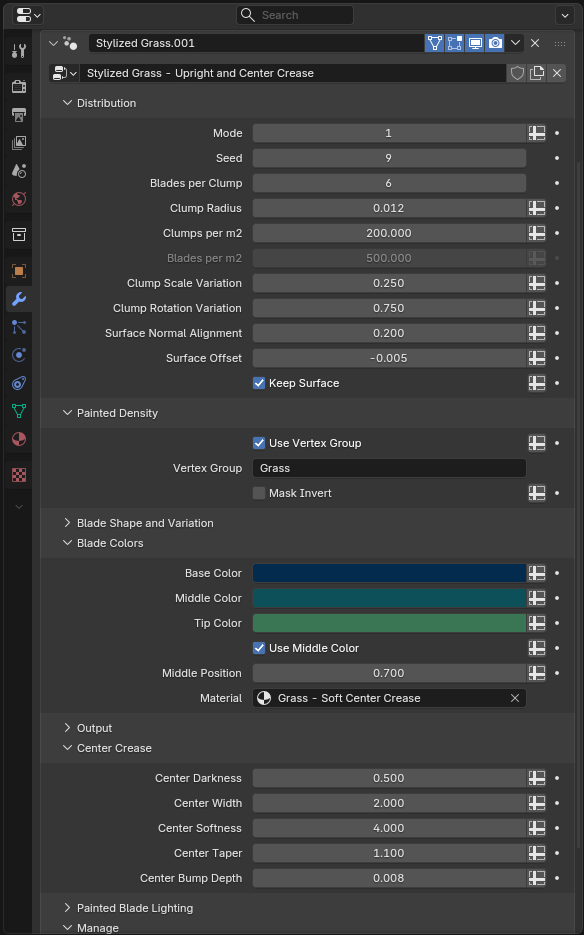
My original tileable ground texture didn’t hold up at the scene’s low camera angle. That led to working with GPT Astra on a Geometry Nodes setup for a procedural cracked-earth surface.
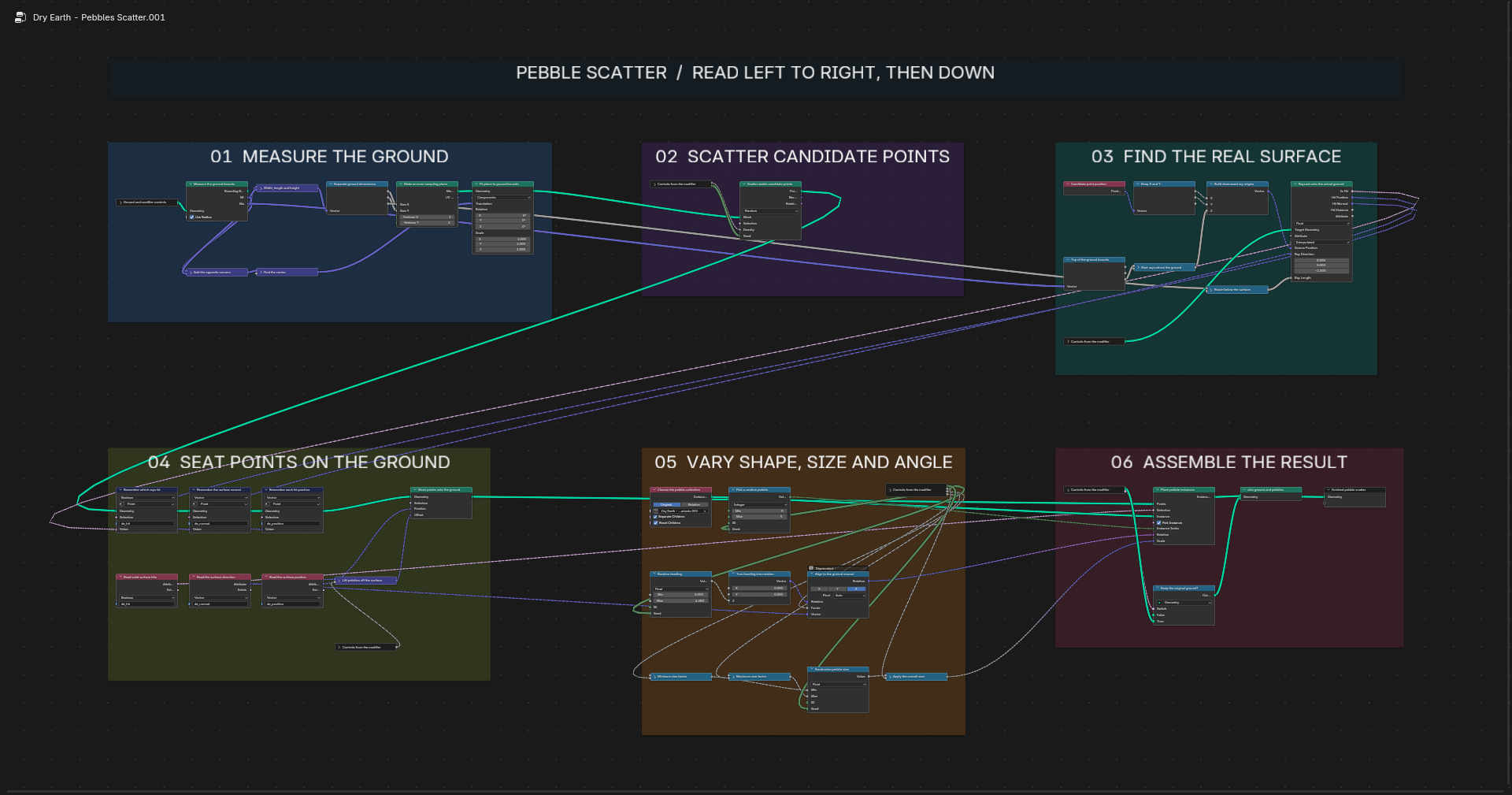
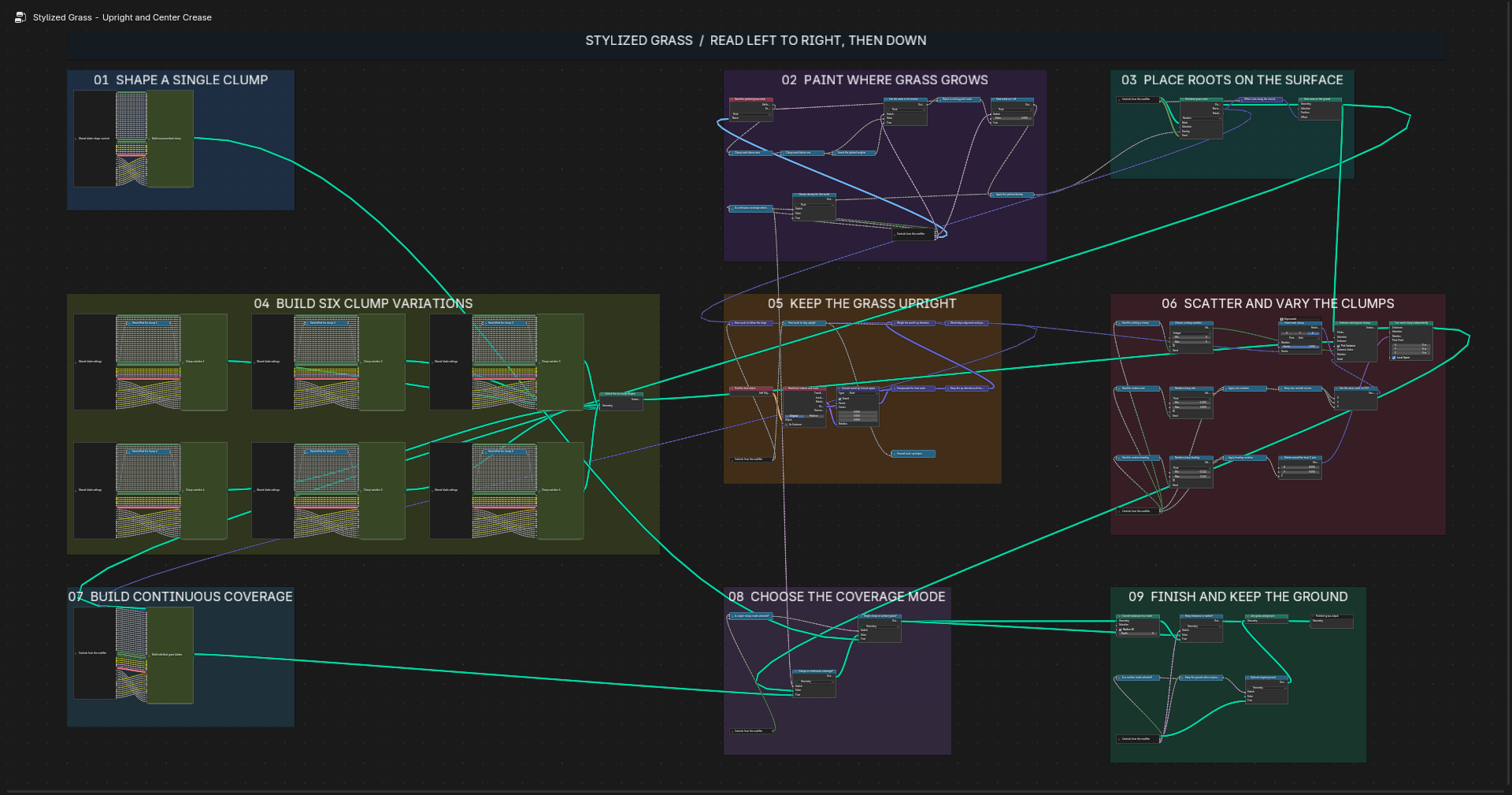
The setup grew to include rock and pebble scattering, grass placement, and the ability to blend normals between the grave asset and the ground plane. It gave me ways to develop the surface and its smaller elements together as the image evolved.

I didn’t build the node setup manually. Astra built it in Blender through a Higgsfield MCP with me directing the work through Codex. My role was to judge the results and describe what needed changing. This became one of the unexpected parts of the project: developing a tool in response to something the image needed.
07Lighting the Scene
The lighting and layout evolved together as the scene came together. The moon behind the character, edge lighting on the trees, and darker foreground became part of how the image reads.
I added depth of field for a miniature feel, almost like a frame from a stop-motion piece. I knew that would change the perceived scale; it was an intentional aesthetic choice.
The light groups let me inspect the contributions separately. This sequence shows the light passes, followed by the beauty image.
08Final Thoughts
One thing that surprised me about his whole experience was how LLM’s and Agentic workflows kept this project moving forward.
I’ve started other projects in the past that have been shelved either because they took too long and I lost interest, or because I hit a technical hurdle I couldn’t find my way out of. This experience is making me want to pick up some of those unfinished projects again and see where I can take them.
Not once have I felt like I can put my feet up and relax with this project. The increased momentum and lack of friction has kept me chasing the idea the whole time.
I now see that using AI to assist my creativity goes way beyond just image generation. It’s about filling the gaps that stop me pursuing the idea in the first place. And in some cases it even led me to explore ideas that would normally be out of reach for me.
Skate Zombie is a piece that I can say I put as much effort into as any other piece I’ve worked on without it. Knowing what’s possible now and where the constraints are will no doubt prove valuable for the next thing I choose to create.
Until then,
Thanks for reading this.